Most owners are stuck
at Level 1.
One setup session is the difference.
The exact time savings depend on your business, workflows, tools, and how consistently you use the systems we build.
You’re not behind on AI. You’re just one setup away.
Real sessions. Real shifts.
What changes after one session
Four real clients. What they came in with. What they left with.
Every setup is different because we build around the client’s priorities, existing tools, and current AI experience.
Etsy Shop Owner — Budget Bash Creations
Before
Everything manual. Blogging, emails, customer messages — all by hand every night after a full day of work.
After
Etsy inbox, Instagram analytics, Gmail cleanup — Claude handles all of it autonomously.
“Tasks that would take me a whole week — it does them in 5 minutes.” — Yadira B.
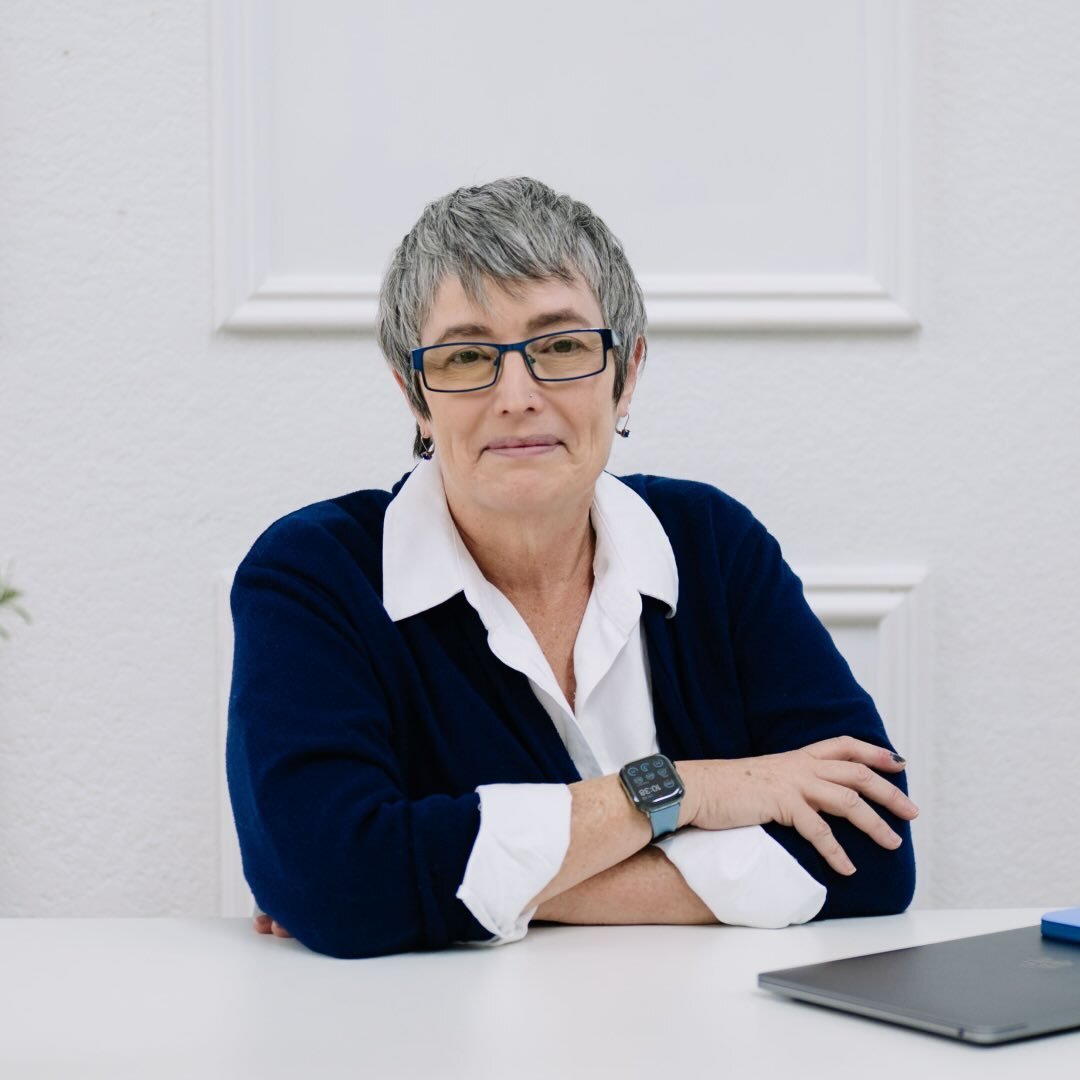
Author + Leadership Coach — Big Asian Energy
Before
Re-explaining his entire business to AI every single time. Outputs that never sounded like him.
After
Stripe, Airtable, Gmail, Fireflies all connected. Follow-up emails drafted automatically before he logs off every call.
“She created an AI system that gets my voice exactly — in a way I haven’t found anywhere else.” — John Wang
Ecommerce Founder — Mood Gardener
Before
Spending every evening on content, emails, analytics — all manual, nothing connected.
After
Shopify, Klaviyo, Instagram, Fireflies all connected. Windsor AI pulling analytics automatically. Three Claude projects running.
“This is going to save me 15 hours a week — this is what I spend my evenings doing.” — Rebecca F.
Custom Gifts Shop — Bricks You Custom
Before
Writing all marketing emails by hand. AI outputs didn’t sound like her. No system to keep messaging consistent.
After
Klaviyo connected to Claude. Best-performing campaigns analyzed. Custom skills trained on her voice. 33 orders traced directly to AI-driven PR since setup.
PR became her #1 traffic source — above paid ads and social media combined. — Melanie P.
get this result →
Book The AI Business Setup — $995What actually happens in a session
This is a hands-on working session, not a generic AI class. Before we meet, I review your intake so we know what you actually want AI to help with, how comfortable you already are with Claude/Cowork, and which tools are relevant to your business.
Then we prioritize the highest-value systems to build together — using your actual accounts, tools, data, and workflows.
If you’re newer to Claude/Cowork, we’ll keep the setup more focused and make sure you understand how to use and manage what we build. If you’re already comfortable with AI, we’ll skip the basics and spend more time building deeper workflows, connections, dashboards, and automations.
Gmail, Google Drive, your calendar, email platform, CRM, ecommerce store, social platforms, analytics, meeting tools — whatever is actually relevant to what we’re building.
We prioritize the connections that will make the biggest difference in your business rather than adding tools just because we can.
Some advanced workflows may benefit from third-party software. If a new paid tool is recommended, we’ll explain what it does, why it’s useful, and the ongoing cost before you decide whether to add it.
I show you the difference between Cowork (your autonomous business operator) and Chat (your marketing writer). Cowork can work across connected tools to help with tasks like organizing email, preparing your calendar, reviewing analytics, working with files, and running recurring workflows.
Not generic templates. We build inside your actual setup based on the priorities you shared before the session.
That might mean inbox management, calendar prep, customer support, content creation, analytics dashboards, ecommerce insights, meeting follow-up, visibility analysis, file organization, recurring tasks — or something completely different.
A newer AI user may leave with fewer workflows that they fully understand and can confidently use. A more experienced user may move faster and build deeper.
The goal isn’t the largest number of automations. It’s the right systems for your business.
You’ll install the Chrome extension before we meet, and we’ll switch it on and test it together during the session.
If browser automation is relevant to the systems we’re building, we’ll set it up and show you how to use it safely and intentionally.
I help you create projects for social media content, email marketing, blog writing — whatever you need. We upload your tone of voice, your jargon to avoid, screenshots of what you love and hate. Every chat inside these projects already knows who you are and how you communicate. So you’re not starting from zero every time you ask Claude to create something for your business.
Before we finish, we stop building and walk through what we actually set up so you know how your system works.
You’ll leave knowing:
- •What each workflow does
- •Which tools are connected and why
- •What runs automatically vs. what you trigger manually
- •Where to find and manage each workflow
- •Which tools have ongoing costs
- •What’s essential vs. optional
- •What we discussed but intentionally saved for later
You’ll also receive your personal AI Systems Handoff, your full session recording, and my $2M Business Tech Stack PDF showing the tools I use, what they do, what I pay, and what I’d cut.
This isn’t a course I built to sell. It’s how I actually run my business. I set everything up with you.
What AI can help you build inside your business
I figured out how to use Claude inside a real business that’s made over $2M in total online sales. Not a course I built to sell. My actual business, running on this system every single week. I show you exactly what I use and why.
We won’t necessarily build every item below in one session. Your intake tells me which areas matter most so we can prioritize the systems with the highest value for you.
Most people never reach this level on their own. That’s what this session is for.
You don’t need to be “good at AI” before you book.
We’ll keep your setup focused. I’ll help you understand how the pieces work together, build the highest-impact systems for your business, and make sure you know how to use and manage them before we finish. You do not need to walk in knowing which automations, tools, or integrations you need.
We’ll skip the fundamentals and use the time to go deeper — more advanced workflows, connected tools, scheduled tasks, dashboards, data analysis, and automation.
Same personalized setup. Different starting point. I meet you where you are so we spend the session on what will actually move your business forward.
It’s also replaced tools I used to pay for separately. I haven’t opened PowerPoint or paid a graphic designer in months. Claude handles presentations, visuals, and content creation in a fraction of the time.
And the part that surprises people most? Our audience says our content has gotten better. More personal. More them. More human. Because AI isn’t replacing our voice. It’s amplifying it.
This isn’t just about saving time. It’s about not being stuck in execution all day and finally having space to think, create, and actually run your business the way you imagined when you started it.
“Before this session I was overwhelmed and anxious. Everything was manual, blogging, email, working full time. After? Excited and can’t wait to start. This gave me clarity. I can do this. I don’t need 20 other people to help me.”
Yadira B., Budget Bash Creations
What a real session looks like
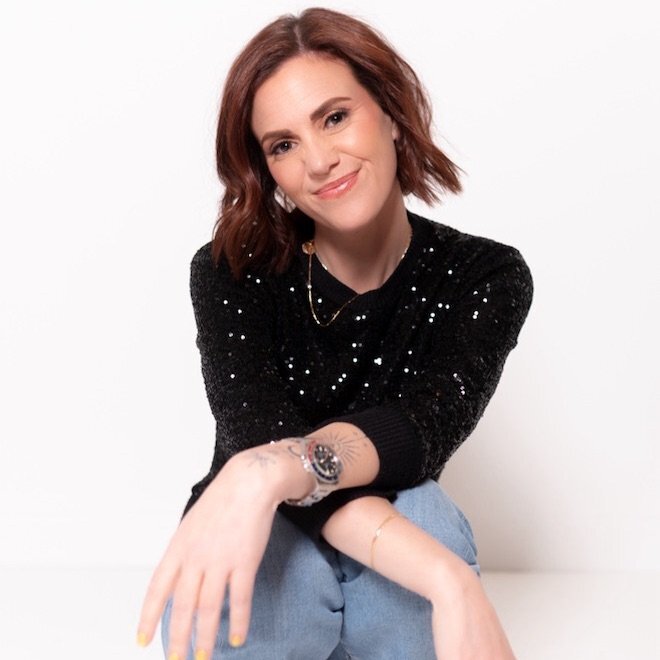
Yadira runs Budget Bash Creations, a financial literacy product shop on Etsy. She works full time and was drowning in manual tasks: blogging, emails, social media, customer messages, all of it by hand. Here’s what we did in one session.
“I can take tasks that would take me a whole week… and it does them in 5 minutes. Before this session I was overwhelmed. Now I feel relief. Like, okay I can do this. My life has forever changed.”
Yadira B., Budget Bash Creations (Etsy)


Why Claude has become the center of my AI workflow
Claude Projects and other context features let you organize your voice, audience, offers, examples, and business information so you don’t have to rebuild the context from scratch every time.
For my business, Claude has become my go-to for emails, content, sales pages, analysis, and other work where voice and context matter.
With Cowork, connected tools, scheduled tasks, browser workflows, and Projects, I can use Claude as an operating layer across different parts of my business — not just as a place to ask questions.
Like any AI tool, Claude can still make mistakes. Anything important — especially numbers, research, claims, or customer-facing actions — should be reviewed.
I use Claude for almost everything now. Writing, analysis, customer service, offer development, content. It’s the one tool I’d keep if I had to choose just one.
How this is different
| ▶ 25 hrs of YouTube | 👥 Group AI program | ✦ This intensive | |
|---|---|---|---|
| What you get | Tips with no real system behind them | Frameworks built for a generic business | A personalized AI setup built around your business, priorities, and existing tools |
| Personalized | 0% | Slightly | 100% built around your actual business |
| How you learn | Watch, rewatch, try to apply. Repeat. | Modules + homework. You implement alone, if it happens at all. | We open your actual setup and build together — with a clear handoff before we finish |
| Who’s teaching | AI creators optimizing for views, not your results | AI experts who teach AI, often without a real online business | A $2M+ business owner who uses these AI systems in her own business every day |
| Time to results | Weeks of content, months of figuring it out | Weeks of modules + waiting for it to click | Priority workflows built and tested during your working session |
What AI now helps me handle inside my business
This is based on how I use AI inside my own business. The figures below are illustrative replacement-cost estimates for the types of work AI now helps me handle — not a promise of what you will save.
Your results, needs, and potential savings will vary.
The real cost of waiting
Every month you delay building better systems is another month spending valuable founder time on repetitive work AI may be able to handle faster. The bottleneck in most businesses stuck at the same revenue isn’t the product or the audience. It’s the founder buried in execution when she should be doing the work only she can do.
- →Writing captions from scratch
- →Formatting emails one by one
- →Responding to the same questions
- →Building decks and graphics manually
- →Drafting offers that never launch
- →Closing high-ticket sales
- →Building brand partnerships
- →Creating new offers
- →Getting on podcasts and in magazines
- →Actually resting
Why this moment matters
We are in a weird window right now. Most people are either completely ignoring AI or consuming endless content about it without actually doing anything.
Very few people are building real systems that compound. That gap is where all the leverage is. And it is closing fast.
The business owners who figure this out now are not going to look like they work harder. They are going to look like they have a team of 10 while working 20 hours a week. That is what this builds.
What’s included
Everything we build is on your Claude, your desktop, connected to your business. You own it the moment we finish. No monthly retainer. No agency you depend on. One investment and it’s yours to use every single day.
- →Personalized AI Systems Setup based on your intake, business, and current AI experience
- →Your highest-value workflows built and tested live in your actual setup
- →Relevant business tools connected to Claude based on the systems we’re building
- →Claude Cowork set up and customized around how you work
- →Claude Projects/AI context set up where relevant to your voice, content, offers, or business
- →Claude for Chrome/browser workflows set up when relevant to your goals
- →Personal AI Systems Handoff showing what we built, how it works, and how to manage it
- →Clear explanation of any third-party software and ongoing costs before you add it
- →My $2M Business Tech Stack PDF
- →Full session recording + Resource Hub
- →Your social and website analytics connected, so Claude can read your numbers and build your dashboards
Newer to AI? We may intentionally build fewer systems so you leave confident using them.
Already advanced? We can move faster and build deeper.
The number and type of workflows built will depend on your priorities, existing tools, account permissions, technical compatibility, and current AI experience.
Choose how you’d like to pay — same session, same everything.
Bonus — included with every session
Your Personal AI Systems Resource Hub.
Your private home base before, during, and after the session.
One setup guide, the same for everyone, about 30 to 40 minutes. It covers your accounts, connections, your notetaker, analytics and everything you'll want ready. You’ll get the link the moment you book.
- →Claude + Cowork setup guidance
- →Connection guides
- →Prompt shortcuts
- →Voice/context guidance
- →Workflow resources
- →Tech stack reference
We stop adding new things and walk through exactly what we built: what each workflow does, where it lives, what runs automatically, how to manage it, what each connected tool is for, and any ongoing costs.
Your personalized handoff is your starting point. Your session recording and transcript are there when you want deeper context, prompts, action items, or ideas for expanding the system later.
Not a generic PDF you’ll never open. A living resource you’ll actually use.
Before you book
A paid Claude plan, which starts at $20/month. That’s the one thing that has to be in place, because most of what we build lives inside it and the free version can’t hold it.
Everything else is your call. A meeting notetaker, Fireflies or Fathom, if you want Claude writing follow-ups from your calls, and Windsor.ai (the free tier is enough) if you want your social analytics pulled in. You buy those directly and own them, and you can cancel any of them whenever you want.
You’ll get a setup guide the moment you book, with everything laid out step by step. Give yourself 30 to 40 minutes with it.
No. Some people arrive having used it daily for a year, some have opened it twice. Both work.
What matters more than experience is whether the setup is done before we start. The hour goes to building your system, not to installing things, so someone who’s never touched Claude but finished the guide gets further than a daily user who didn’t.
Tell us before the call instead of on it. Reply to any of the emails with the error and we’ll usually sort it out ahead of time.
Some things take two minutes to fix in advance and twenty minutes to fix live, and those twenty minutes come out of your build time. Nobody’s in trouble for something not working. It just needs to be a problem we already know about.
Yes, a laptop or desktop. This doesn’t work from a phone or tablet, because we’ll be screen sharing and installing things together.
You’ll also want to be able to share your screen on Zoom. If you’ve never done it, worth a test run beforehand.
One more thing that helps: if someone in your life is more comfortable with computers than you are, bring them. Some of the best sessions have had a second person driving the keyboard.
The session is recorded and you get the recording and the transcript. You also get a resource hub with the reference material, and a follow-up email with one specific thing to do first, because the gap between the session and the first time you use it on your own is where things usually stall.
For one part of it, yes. We set up a browser extension that lets Claude work inside sites like Instagram and Etsy that don’t have a direct connection. It only exists for Chrome and Chromium browsers, so Chrome, Edge, Brave or Arc. There’s no Safari or Firefox version.
You don’t have to switch everything over. Just install Chrome and be signed into your business accounts there before we meet.
Before You Book
The AI Business Setup is a personalized working session that includes strategy, hands-on setup, workflow building, and implementation guidance based on the priorities identified in your intake.
What we build varies by client. We prioritize the highest-value workflows for your goals and may not connect every tool, build every requested automation, or implement every possible use case during one session.
Some workflows depend on third-party software, account permissions, APIs, platform compatibility, paid subscriptions, or features controlled by companies outside Gloria Chou PR. We cannot guarantee that every third-party connection or feature will be available or function indefinitely.
AI-generated outputs, analyses, and recommendations should be reviewed before use. No specific time savings, business results, traffic, visibility, revenue, or other outcome is guaranteed.
Due to the personalized nature of this service, all sales are final once the session has been delivered or work has begun on your behalf.
Third-Party Software & Platform Changes
This service may include guidance, setup support, or workflow building using third-party platforms such as Claude, ChatGPT, Fireflies, Fathom, Windsor.ai, Google Workspace, Microsoft, ecommerce platforms, CRMs, social platforms, and other software tools.
Gloria Chou PR does not own, control, or manage these third-party platforms and is not responsible for:
- •Changes to software features, functionality, integrations, APIs, permissions, or availability
- •Changes to pricing, subscription plans, free trials, usage limits, or billing policies
- •Platform outages, bugs, errors, security incidents, account restrictions, or discontinued features
- •Changes to privacy policies, data practices, terms of service, or access requirements
- •A third-party tool no longer supporting a workflow, connection, or automation that previously worked
If a workflow depends on a third-party platform and that platform later changes, removes, restricts, or disables the relevant feature or connection, Gloria Chou PR is not responsible for restoring, rebuilding, replacing, or maintaining that workflow unless separately agreed in writing.
Third-Party Tools & Costs
This session requires a paid Claude plan, from $20/month, which you buy directly and own. Two other tools come up: a meeting notetaker such as Fireflies or Fathom so Claude can read your call transcripts, and Windsor.ai for social analytics, where the free tier is enough. None of these are included in the session price, we do not resell them, and you can cancel any of them at any time. If you stop paying for a tool, any workflow built on it will stop working.
Account Ownership & Billing
All third-party accounts, subscriptions, integrations, permissions, billing arrangements, and associated data remain the client’s responsibility. Clients are responsible for reviewing and accepting the terms, privacy policies, permissions, security settings, and billing requirements of any third-party platform they choose to use.
AI Outputs & Results
AI-generated content, analyses, recommendations, and automations should be reviewed by the client before use. AI tools can make mistakes, miss context, or produce inaccurate information. Gloria Chou PR does not guarantee the accuracy of AI-generated outputs or any specific business, revenue, traffic, SEO, GEO, PR, visibility, or time-saving result.
By purchasing, you agree to the Terms & Conditions and Refund Policy.